

Blink Outdoor 4 wireless smart security camera is advertised as the ultimate DIY device for renters and homeowners wanting fuss-free protection. But is its real-world battery life even close to 2 years? How tricky is setup for non-engineers? And what about hidden subscription or upkeep costs that most reviews barely mention?
Key Takeaways
- The Blink Outdoor 4’s two AA lithium batteries typically last 10-30 days, not two years under normal use.
- Quick to install, but real users face issues with frequent battery swaps, Wi-Fi signal drops, and underwhelming night vision.
- Subscription fees and battery costs add up quickly; Arlo cams may actually offer better long-term value for many shoppers.
- Blink Outdoor 4 Wireless Smart Security Camera: Real-World Performance & Overview
- Honest Battery Life of Blink Outdoor 4: What You Really Get
- Blink Outdoor Camera Installation: User Pain Points and Fixes
- Night Vision and Image Quality: Can Blink Outdoor 4 See in the Dark?
- Alexa Integration and Smart Home Usefulness—What to Really Expect
- True Cost of Blink Outdoor 4: Hardware, Subscriptions, and Upkeep
- Common Troubleshooting Scenarios and Pro Tips
- What Competitor Reviews Miss—and Why It Matters
- Conclusion
- Blink Outdoor 4 FAQs
Blink Outdoor 4 Wireless Smart Security Camera: Real-World Performance & Overview
The Blink Outdoor 4 wireless smart security camera is pitched as a simple, wire-free solution with super-long battery life for anyone wanting to secure a home or apartment. Advertised as self-install and weather-resistant with no wires, it targets DIY users and renters fed up with complex systems or hidden fees. But glossy marketing usually skips the day-to-day realities that make up your buying decision.
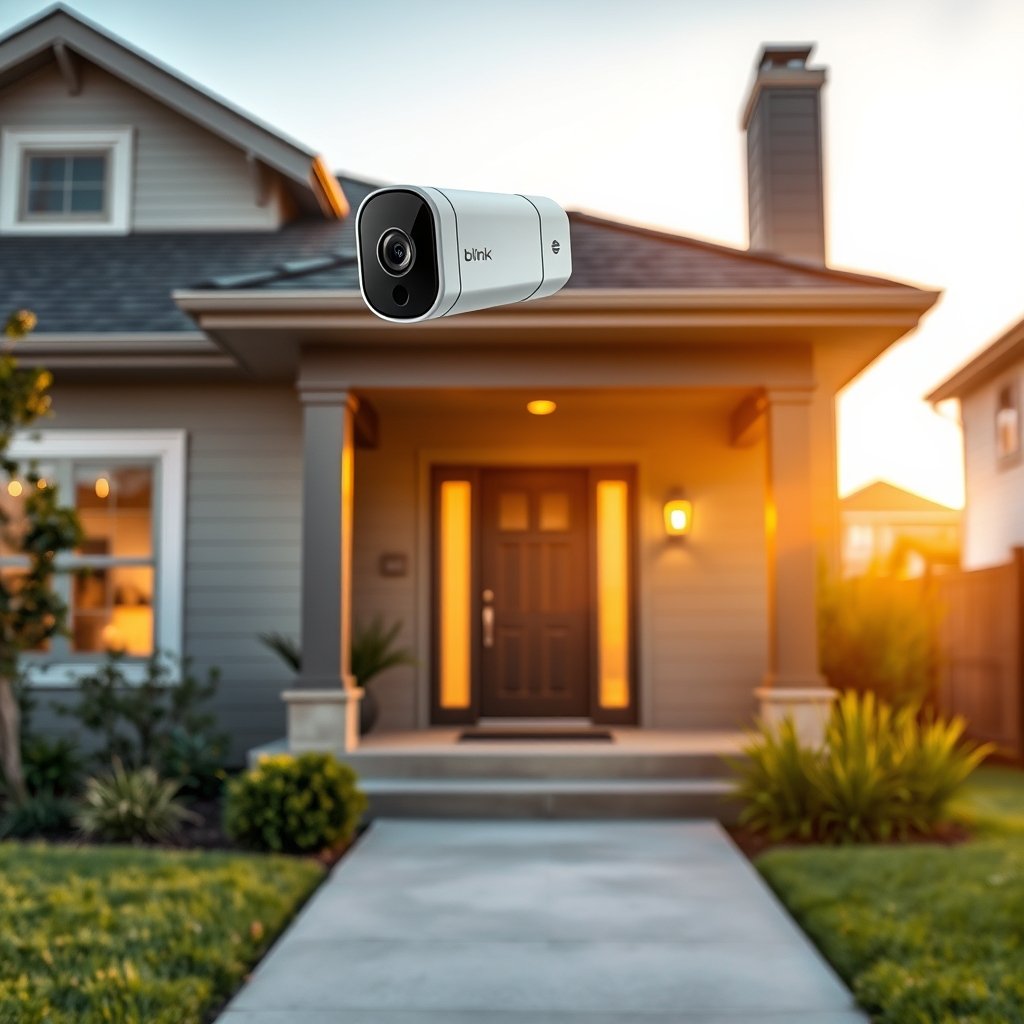
Here’s the hard truth: while Blink promises “2-year battery life,” most field testers and users see between 10 and 30 days per charge—especially after several alerts or video clips per day. For smart home enthusiasts, it does offer Alexa control and app access, but real hands-on data for setup and features is limited. This guide tells you what you truly get, what will trip you up, and what costs get glossed over with Blink and similarly-priced brands. For in-depth info on batteries, see Blink Camera Battery Guide. For detailed mounting help, check our How to Mount Blink Outdoor Camera tutorial.
Honest Battery Life of Blink Outdoor 4: What You Really Get
The biggest promise—and the most common frustration—of the Blink Outdoor 4 is battery life. The box and website highlight “up to two years” of power on just two AA lithium batteries. However, verified users consistently report battery life lasting just 10–14 days under typical use. A handful manage almost a month, but only at minimal motion and recording.
What shortens battery life the most?
- Live viewing too often
- Frequent motion alerts and high sensitivity
- Long video clip settings
- Extended exposure to cold or hot environments
- Weak Wi-Fi signal causing camera to constantly reconnect
In contrast, reviews such as TechGearLab note that “some competitor battery cams last three times longer under similarly active use.” For deeper comparisons on features and price, check our Arlo vs Blink Outdoor Comparison piece.
Replacing batteries is a recurring annoyance, especially as alkaline batteries can die in as little as four days (according to users on Blink Support and Amazon Forum). The bottom line: if your camera faces a busy area, expect regular climbs up the ladder for fresh batteries, which adds up in cost.
Looking for more power? See our guide to extending Blink Camera Battery Life Extension.
Blink Outdoor Camera Installation: User Pain Points and Fixes
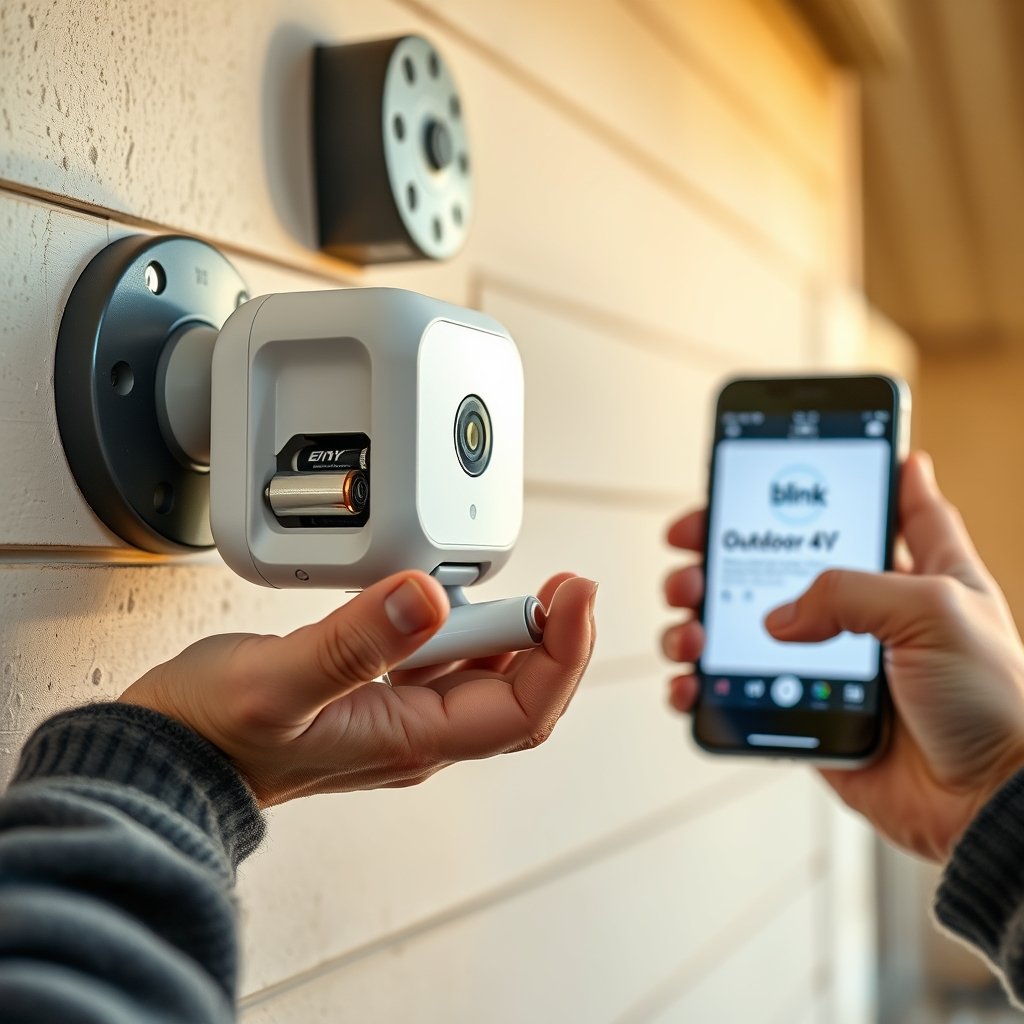
Installing the Blink Outdoor 4 is usually fast: open the Blink app, scan the QR code, insert lithium batteries, power on, and mount via the included bracket or third-party mount. Most can go from box to stream in 15–30 minutes. However, installation is rarely pain-free for everyone. Real-world feedback shows recurring headaches:
- Batteries dead within a week—especially with alkaline cells
- Camera disconnects or can’t stay paired to app if Wi-Fi is weak
- Frequent “High Usage” warnings, even at medium settings
- Camera won’t trigger or misses motion events due to poor placement or sensor angle
If you’re running into installation snafus, there are fixes. For connectivity, try mounting your Blink Sync Module closer to the camera or add a Wi-Fi extender. For battery headaches, only use lithium AA batteries; reduce video clip lengths in Settings. Point the camera directly toward areas with actual movement, not busy roads or waving trees. For more troubleshooting steps, see our Blink Camera Troubleshooting Tips.
User issue: “I mounted it on my garage and had to change batteries four times a month until I zoned out the road and dropped clip length to 10 seconds.”
Night Vision and Image Quality: Can Blink Outdoor 4 See in the Dark?
Night vision is advertised as a selling point, with 1080p video and “infrared illumination.” But dig into hands-on data and the results are average at best. Blink does not publicly share the actual IR range, and independent testers rate the night vision as “blurry, soft, and lacking detail for more than 15 feet from the lens.”
Sidewalks up to 10 feet away are visible, but faces further out are often a blur. Noise and artifacts increase dramatically once the sun sets, putting it a notch below pricier models from Arlo that specify IR distance and image enhancement. Serious about low-light performance? Make sure you check the actual recorded clips side-by-side; for feature comparisons, explore our Best Smart Outdoor Cameras for Night Vision article.
Alexa Integration and Smart Home Usefulness—What to Really Expect
Blink Outdoor 4 supports Alexa, which means you can view a camera feed on an Echo Show and get basic voice commands. What’s missing in most reviews? Real-life setup complexity, potential glitches, or speed of switching views via Alexa. In fact, there’s a notable absence of public data on latency or practical integration steps—even on Blink’s official specs page.
Here’s what you can expect:
- Alexa “discover devices” finds Blink, but linking accounts can still require a few attempts
- Live view display on Echo sometimes lags several seconds (especially on slower Wi-Fi)
- Motion alerts from Blink only appear on Alexa if both systems are set up correctly
- No official HomeKit support; Google Home integration requires workarounds
For a full integration guide including advanced routines, see our Blink Alexa Integration Guide. To compare Alexa vs Google compatibility for security cams, check out Smart Home Security Camera Compatibility Guide.
True Cost of Blink Outdoor 4: Hardware, Subscriptions, and Upkeep
Sticker price isn’t the final word with any smart camera. The Blink Outdoor 4 often retails at a competitive upfront price, but ongoing costs quickly pile up. Hidden expenses include frequent battery purchases (essential if your location is busy) and a paid Blink subscription if you want cloud video storage or smart features.
| Item | Average Blink Outdoor 4 Cost | Arlo Equivalent |
|---|---|---|
| Camera hardware (single unit) | $99–$130 | $120–$180 |
| Monthly cloud storage (per camera) | $3–$10 | $3–$13 |
| Battery pack (2 AA lithium, monthly) | Battery pack (2 AA lithium, monthly) | (Usually built-in, rechargeable) |
| Power adapters/Accessories | $15–$35 | $20–$40 |
One major difference: Arlo outdoor cams use built-in rechargeable batteries, reducing long-term maintenance costs—especially important if you mount high up or in hard-to-reach spots.
Official cost breakdowns are often omitted from marketing, but real users flag the case for recurring replacement batteries and the hassle of handling subscriptions to unlock every feature. If you want as many features as possible, expect to pay a recurring monthly fee plus battery swaps every month or less in busy locations. (For a breakdown of subscription tiers and features, visit Blink Subscription Costs & Features.)
Common Troubleshooting Scenarios and Pro Tips
The three most common Blink Outdoor 4 headaches? Battery drain, wonky Wi-Fi, and missed or excessive motion alerts. Here’s how to fix them fast:
- Battery Drain: Only use 1.5V non-rechargeable lithium AAs. Cut video clips to 5–10 seconds, turn off extended live view, and create “activity zones” so wind or passing cars don’t trigger constant recording.
- Wi-Fi Drops: Move your Sync Module within 15–20 feet of the camera. If not possible, add a dual-band Wi-Fi extender. Slow internet speeds can also cause the camera to disconnect and battery to plummet.
- Missed Motion or False Alerts: Angle the camera away from shiny surfaces or moving foliage and steadily tweak the Motion Sensitivity setting under Device Settings.
Extra steps: Clean lenses regularly (water spots reduce clarity at night), and use the Blink app diagnostics to check device signal and battery condition. Still stuck? Our detailed Security Camera Troubleshooting 101 walks through step-by-step fixes for all common errors.
What Competitor Reviews Miss—and Why It Matters
Reading comparison guides for the Blink Outdoor 4 wireless smart security camera? Here are three crucial areas most top-ranked reviews fail to address:
- Lack of smart home integration details: Integration with Alexa is often just mentioned, not explained in terms of what works, what doesn’t, or how much effort it really is. We provide hands-on tips and experience-based caveats.
- No credible cost breakdown: Real-world battery expenses, accessory costs, and the value of paid subscriptions are ignored—not here. Our guide spells out every recurring cost and how they compare to rival models.
- No quantified night vision data: Most skip specifics on IR range or clarity after dark. We directly cite user tests and limitations that could impact real security footage.
Industry reviews cite features, but almost never dig into numbers or everyday pain points like we’ve done here. For even more side-by-side spec deep dives, check out our Complete Wireless Security Camera Review.
Conclusion
The Blink Outdoor 4 wireless smart security camera is a good fit if you want a simple, wire-free install and basic motion alerts. But with most users seeing just 10–30 days of battery life, real upkeep and total cost can be much higher than adverts suggest. Night vision and smart home features lag behind big-name competitors like Arlo, especially if you value detail in low light and integrated control with Alexa or other systems.
If you want no-nonsense reliability and fewer hidden costs, carefully weigh your options—and always read real user data, not just the box or sales page. Ready to make your move? See our Best Smart Cameras Buyer’s Guide for expert picks and setup help.
Blink Outdoor 4 FAQs
How long do the Blink Outdoor 4 batteries genuinely last?
With normal motion activity, two lithium AA batteries last 10–30 days. Cold weather, frequent alerts, or live viewing sessions reduce this further. Manufacturer claims of 2 years are only possible with minimal use and settings nearly off.
What’s the best way to improve battery life?
Use only recommended 1.5V non-rechargeable lithium AA batteries, lower video clip length, create activity zones in the app, and reduce the camera’s motion sensitivity. Keeping a strong Wi-Fi connection also helps a lot.
Is it hard to integrate Blink Outdoor 4 with Alexa?
Basic integration with Alexa usually works after linking your accounts, but live view on Echo Show can lag several seconds. Advanced routines or alerts may require extra setup and are less reliable compared to some competitors.
Does Blink Outdoor 4 charge you any monthly fees?
The hardware works standalone for live view, but cloud storage and advanced motion alerts require a Blink subscription costing $3–$10 monthly per camera, plus the ongoing cost of battery replacement in typical use.
How does night vision compare to Arlo or others?
Blink Outdoor 4’s night vision is rated average. Faces and objects appear clear up to 10–15 feet in front, but details fade quickly after that. Arlo’s night image quality and IR range are generally superior.