

Ring alarm base station is at the heart of most modern DIY security systems in North America today, and in 2024, knowing the details can save you money, headaches, and vulnerable moments when seconds count. This guide goes deep into what matters most: setup, compatibility, transparent pricing, real-world performance, and the tricky questions many guides skip.
Key Takeaways
- The Ring Alarm Base Station remains a leading choice for North American homeowners, combining reliability, easy setup, and flexible compatibility.
- Clear knowledge of its setup process, compatibility boundaries, and pricing structures ensures you invest with full confidence.
- A few real-world setup and integration pain points exist, but transparency and planning help you avoid almost all of them.
- Why Consider the Ring Alarm Base Station in 2024?
- Overview & Key Features of the Latest Ring Alarm Base Station
- Ring Alarm Base Station Setup: What Users Need to Know
- Compatibility: How Well Does the Ring Alarm Base Station Fit Into Your Smart Home?
- Pricing in 2024: Devices, Packages, and Monitoring Fees
- Monitoring Service Performance: Ring Alarm in the Real World
- What Other Guides Miss: Key Questions on Setup, Compatibility, and Transparency
- Final Thoughts: Is the Ring Alarm Base Station Right for You in 2024?
- FAQ
Why Consider the Ring Alarm Base Station in 2024?
The smart home security sector is exploding in North America, and Ring’s products—especially the Ring Alarm Base Station and Ring Alarm System—are firmly at the center of this growth. With the global smart home security market projected to skyrocket from $33.2 billion in 2025 to $117.37 billion by 2034 at a strong 15.10% CAGR, now is a decisive moment for upgrading your security system. North America leads with a hefty 35.7% share, making the region the trendsetter in security expectations and technology adoption. If you’re considering a system this year, market dominance, product reliability, and future compatibility are all factors you cannot afford to ignore.

Overview & Key Features of the Latest Ring Alarm Base Station
The Ring Alarm Base Station acts as the command hub for your entire Ring Alarm System, linking sensors, keypads, motion detectors, and optional add-ons. The latest version features improved battery backup, a more reliable Z-Wave radio (crucial for connecting legacy sensors), and smarter Wi-Fi connectivity than previous models. All core controls—arming, disarming, and alerts—work seamlessly in the Ring app, which is available across iOS and Android.
One distinction: the Ring Base Station does not itself have a siren; rather, it connects to and manages sirens, sensors, and cameras, orchestrating all security “events.” Unlike some competitors, Ring focuses on modular upgrades instead of locking users into high up-front costs. In 2024, Amazon’s position as a leader in smart home security hardware is reinforced—Ring remains the king of smart doorbells, controlling 55% market share as of 2024 (reference). This credibility extends well into their alarm hardware, supporting user trust and robust ecosystem integration.
If you want a system that just works, scales as needed, and won’t be obsolete in a year, Ring’s steady hardware improvements make its base station a smart heart for your security setup. Learn more about the differences between generations here.
Ring Alarm Base Station Setup: What Users Need to Know
Installation and setup of the Ring Alarm Base Station are designed to be DIY-friendly. Out of the box, the base station plugs into power and connects to your Wi-Fi (with an Ethernet backup option for increased reliability). Setup requires the Ring app, a Ring account, and following a sequence of pairing prompts; most users report finishing under 30 minutes—faster if they’re already comfortable with mobile apps.
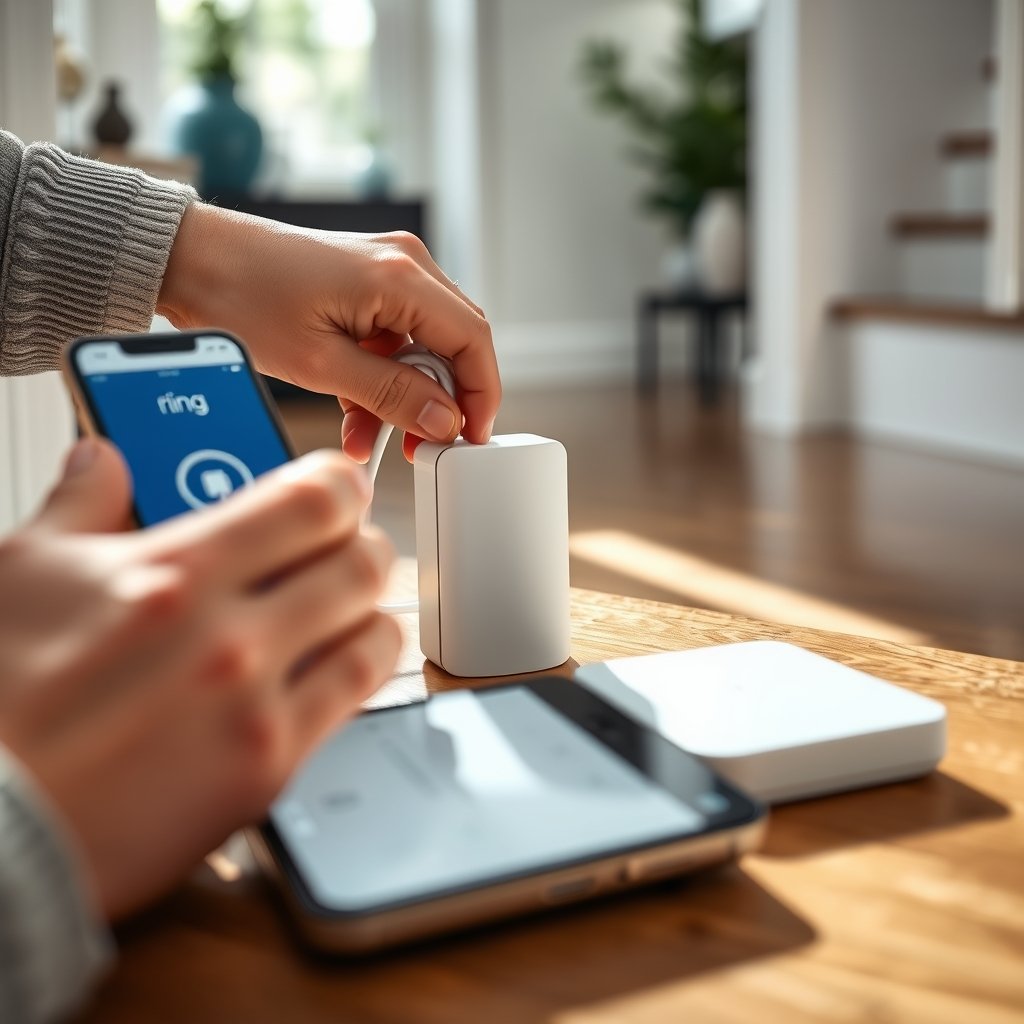
Network setup is equally crucial. While Wi-Fi is simple, using Ethernet ensures the system stays online even if the Wi-Fi hiccups, and the Ring Alarm Base Station includes 24-hour cellular backup (for a monthly cost with professional monitoring).
One frequently overlooked factor: if you have a multi-level house or thick walls, Z-Wave range extenders may be worth the investment for steady sensor and keypad connectivity. All this echoes what North American consumers expect—setup that just works (source).
If you’re transitioning from another DIY security system or adding Ring to a smart home already rich with devices, the Ring system’s integration tips article covers migration and multi-brand setup shortcuts.
Compatibility: How Well Does the Ring Alarm Base Station Fit Into Your Smart Home?
Compatibility is where the Ring Alarm Base Station shines—mostly. As of 2024, it’s fully compatible with Amazon Alexa for voice arming, status checks, and automations. Most Z-Wave certified sensors pair with the base station. However, Zigbee devices (used in some older smart home setups) are not supported. HomeKit integration remains unofficial, which can frustrate diehard Apple smart home fans.
It integrates easily with Ring video doorbells, outdoor cameras, the Echo Show, and other Ring family products for unified app control and event-triggered automations.
Real limitations users discover:
- Smart locks from select brands like Schlage and Yale (with Z-Wave) will often work. Other protocols (Zigbee-only) do not.
- No official support for advanced routines with Google Assistant or Apple HomeKit, though workarounds via third-party hubs (like Homebridge) exist.
- Custom automations using IFTTT or SmartThings are possible, but require technical know-how and sometimes lose device status reporting fidelity.
Amazon Ring’s dominance in smart home hardware suggests broad platform support—but if you’re an advanced user, double-check precise integration on your must-have devices. If your gear is already in the Ring ecosystem or Z-Wave ecosystem, compatibility is nearly universal, and firmware updates keep that list growing.
Pricing in 2024: Devices, Packages, and Monitoring Fees
Budget-conscious homeowners value the transparency Ring offers. The stand-alone Ring Alarm Base Station price starts around $100-130 USD. Full Ring Alarm System starter kits (which include the base station, keypad, door and window sensors, and a motion detector) are generally priced from $200 to $250 depending on sales or bundled sensors.
Monitoring—Ring Protect Pro—costs $20 USD per month or $200 yearly, which covers 24/7 professional monitoring, cellular backup, and unlimited cloud video storage if you have Ring cameras. Compared to other providers like ADT or SimpliSafe, Ring’s transparent pricing (and lack of long-term contracts) is a real win for North Americans who expect flexibility.
If you want to add devices, extra door/window sensors (~$20), motion detectors (~$30), or smoke/CO listeners (~$35) can be added à la carte. The value comes from à-la-carte upgrades and inexpensive base system expansion as your security needs grow.
Smart home security’s rapid market growth is driving increased value and bundled offerings—meaning prices are competitive and promos are frequent in North America. Savvy shoppers, watch for authorized deals and subscribe to Ring’s deal alerts to maximize value.
For full package comparisons and detailed breakdowns, see our Ring Alarm System vs Competitors guide.
Monitoring Service Performance: Ring Alarm in the Real World
Professional monitoring is where the difference between peace of mind and frustration is clearest. With Ring Alarm Monitoring (through Ring Protect Pro), users report reliable 24/7 oversight, rapid response notifications, and a streamlined dispatch process for emergencies. Typical response times—from event trigger to contact by the monitoring center—are in the industry’s top tier, though seconds can vary by location and cellular/Wi-Fi health.
User positives:
- Automated alerts to your phone and all emergency contacts
- Simple cancellation or panic options via keypad, app, or phone
- Reliable cellular backup ensures your system stays monitored when your Wi-Fi or power drops
User issues:
- Customer service can be inconsistent depending on regional support centers
- Occasional false alarms (usually due to improper sensor placement or user error)
- Professional monitoring only covers Ring sensors—third-party Z-Wave sensors are supported for triggers but sometimes lack full status reporting
Given Amazon Ring’s significant market share and expectations from North American users, reliability matters. When combined with constant firmware improvements and a loyal user base, most homeowners view the monitoring as robust, affordable, and highly competitive—even compared to long-established names. For caveats and monitoring response tables, reference Ring’s support documentation or check out real-life user experiences on our reviews page.
What Other Guides Miss: Key Questions on Setup, Compatibility, and Transparency
Cutting through vague reviews and sales copy, here are three transparent answers to the most overlooked questions:
- What backup options exist if both power and Wi-Fi fail?
The Ring base station setup process includes auto-activation of a 24-hour battery backup and, with a Ring Protect Pro subscription, automatic cellular failover. Extending battery life beyond 24 hours usually requires a secondary UPS. No system is 100% immune; rural or poor cell signal homes should test backup early. - Are there real integration limits with Ring alarm base station compatibility?
Yes—no Zigbee device support (only Z-Wave plus Ring’s own accessories), lack of native Apple HomeKit control, and complex third-party routines require extra steps or bridge devices (more details). Most popular smart locks and lighting automations still work, but advanced users may find a few non-starters if they want a homogenous, single-app environment. - What’s the real, ongoing ring alarm base station price?
The advertised price is upfront hardware only; most users will want Ring Protect Pro for $20/month. DIY-only users can skip monitoring, but lose professional dispatch and cellular backup. If you’re expanding over time, account for gradual investments in extra sensors and possible annual cost increases as ecosystem features evolve.
Because of the rapid adoption in North America, user demand for honest, depth-first answers has never been higher. We maintain a regularly updated list of compatibility queries, hidden costs, and integration tips on our Ring Alarm User Resource Center.
| Question | Common Competitor Response | Ring Alarm Official Answer |
|---|---|---|
| Does Wi-Fi or power outage defeat the alarm? | Most say “limited backup” details. | 24-hour battery backup plus cellular failover (with monitoring plan). |
| Are all popular brands compatible? | Gloss over integration or avoid details. | Z-Wave only, no Zigbee or HomeKit. Alexa supported but not Google/Apple direct. |
| Are there hidden fees? | Overlook ongoing monitoring or upgrade costs. | $20/month for pro monitoring, à la carte upgrades clearly listed. |
Final Thoughts: Is the Ring Alarm Base Station Right for You in 2024?
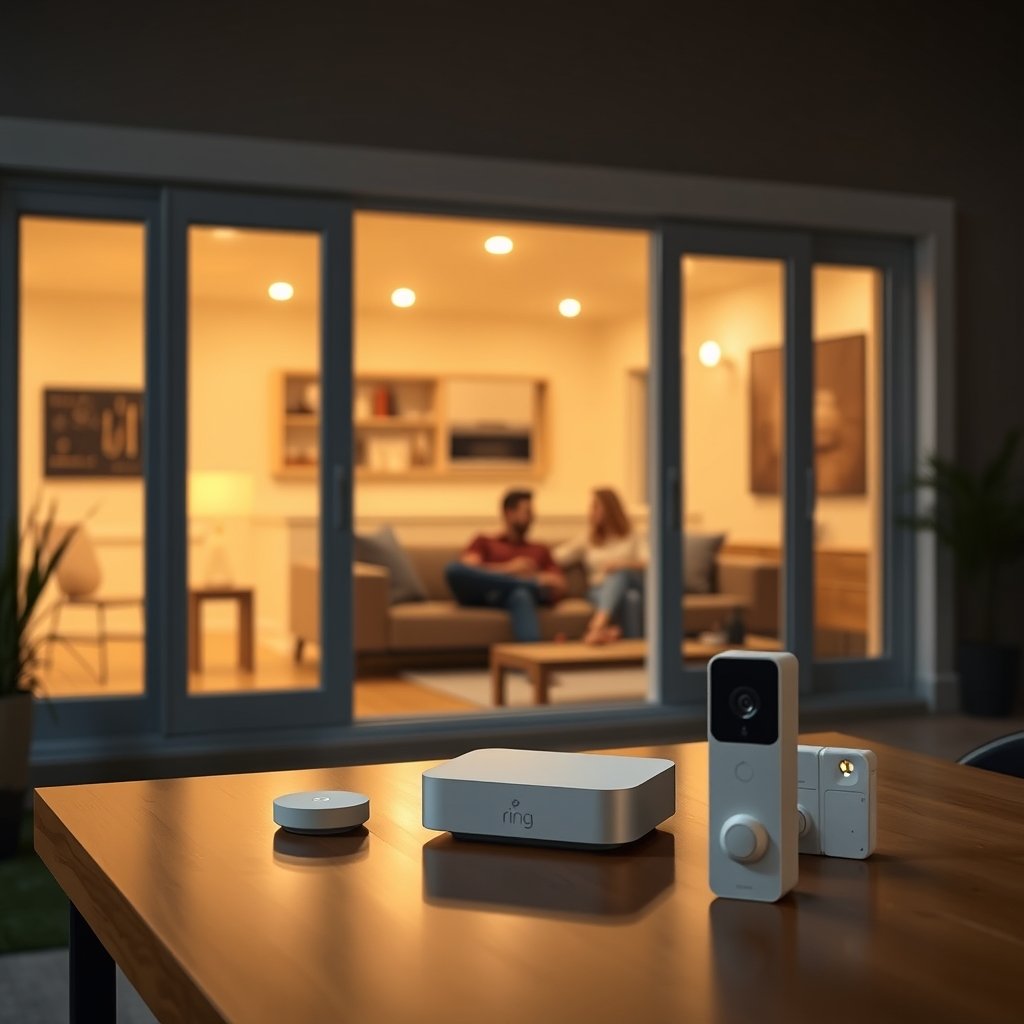
The Ring Alarm Base Station continues to set the standard for North American smart homeowners seeking a system that is affordable, reliable, and easy to expand. If you’re in the region that leads the global smart home security sector—with a commanding 35.7% share of the $33.2B market (source)—every indicator points toward Ring as a sensible, future-proof choice.
The base station’s transparent setup, honest compatibility disclosures, modular pricing, and clear monitoring workflows mean you avoid the biggest pitfalls associated with other DIY security brands. It’s not perfect: Zigbee and full Apple HomeKit devotees may prefer hybrid setups, and rural/low-signal users must carefully test backup redundancies. But for most North American homeowners, the ring alarm base station is flexible, straightforward, and fully up to 2024’s high standards.
Ready to secure your home smarter? Review the latest deals, weigh your compatibility needs, and see how the Ring Alarm System stacks up against your must-haves. Start comparing packages here or dive straight into setup with our Ring Alarm Base Station installation walkthrough.
FAQ
Does the Ring Alarm Base Station keep working if the power goes out?
Yes, the base station has a built-in 24-hour battery backup. If you’re subscribed to Ring Protect Pro, cellular backup kicks in automatically to keep monitoring active during Wi-Fi or power failures.
Can I use Ring Alarm Base Station with smart home devices from other brands?
The base station supports Z-Wave accessories (including many third-party smart locks and sensors), but not Zigbee devices or Apple HomeKit directly. Alexa integration is smooth for most users.
How much does the Ring Alarm Base Station really cost per year with monitoring?
The device itself is about $100-130. With Ring Protect Pro monitoring at $200/year, total cost for basic setup with professional monitoring is usually $300-400 the first year. Adding sensors, cameras, or advanced accessories increases this total.
Will professional monitoring call the police or fire department automatically?
If an event is confirmed (sensor trigger plus failed user disarm), the monitoring center will contact emergency services (police, fire, or medical) in line with your pre-set escalation plan.
Can I install and set up the Ring Alarm Base Station myself?
Yes. The setup is designed for DIY installation with step-by-step guidance in the Ring app. Expect about 15-30 minutes for initial setup and pairing your first sensors.